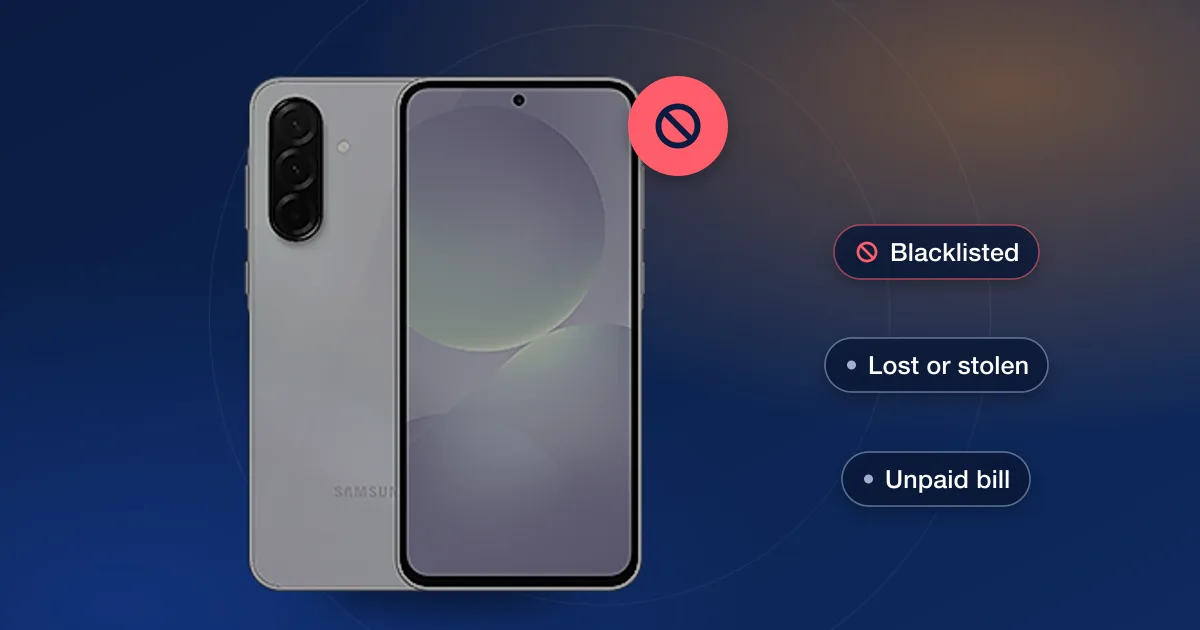
A blacklisted IMEI means the phone has been reported to the carriers as lost or stolen, or flagged for fraud, and networks that honor the report refuse to give it service. The phone still turns on and works on Wi-Fi, but it can’t make calls, send texts or use mobile data on those networks. Only the carrier that added the report can clear it.
What “blacklisted” actually means
Every phone has an IMEI, a 15-digit number that identifies the device itself (see what an IMEI is and how to find it). When a phone is reported lost or stolen, the carrier adds its IMEI to a block list. In the US, carriers share that list through an industry database run with the GSMA, so other carriers that take part can block the phone too.
“Blacklisted” is the everyday word for this. Check reports and carriers may also call it “blocked”, “barred” or “reported lost or stolen”.
Why phones get blacklisted
- Reported lost or stolen: the account holder tells the carrier the phone is gone. This is the most common reason.
- Fraud: the carrier finds the phone was bought with a stolen identity or a payment that didn’t go through.
- Unpaid balance: some carriers can also block a phone when the account it was bought on owes money on the device. Check reports often show this separately from lost or stolen.
A blacklist entry is different from a carrier lock. A locked phone works on its own carrier and only refuses other carriers’ SIMs; a blacklisted phone is refused by networks that honor the report, whatever SIM is in it. Carrier-locked vs unlocked phones explains the lock side.
What still works on a blacklisted phone
The block is on the phone’s access to mobile networks, not on the phone itself. Wi-Fi, apps, the camera and anything else that doesn’t need a mobile network keep working.
That’s why a blacklisted phone can look perfectly normal at a quick meet-up: it powers on, joins Wi-Fi and runs apps. The problem only shows once a SIM goes in and there’s no service.
Who can remove a phone from the blacklist
Only the carrier that placed the report can remove it, and normally only for the person who made it: the account holder, once the phone is found, or once the unpaid balance or fraud problem on that account is sorted out.
We don’t remove blacklist entries, and we’d steer clear of anyone who says they can. A service that offers to “clean” a reported IMEI is either taking your money for nothing or tampering with the phone’s identity, which can be illegal. Carrier unlocking is a different thing: it changes which networks a phone accepts, not whether it has been reported.
Bought a phone that turned out to be blacklisted?
- 1Contact the sellerAsk for a refund, or for the original owner to contact their carrier if the phone was reported by mistake. Keep every message.
- 2Use your buyer protectionMarketplaces and payment providers often let you claim for an item that isn’t as described. Open the claim quickly, because the windows are short.
- 3Report it if it’s stolenIf the seller disappears or the phone looks like stolen goods, report it to your local police with the phone’s details. Don’t try to get it unblocked another way.
Check before you buy
The simplest protection is a check before any money changes hands. CTIA, the US wireless industry group, runs a free Stolen Phone Checker that shows whether a device has been reported lost or stolen (linked in the sources below). For a fuller picture, our IMEI checks include a blacklist check, and our Apple and Samsung reports add the carrier, lock details and more. The step-by-step version is in checking a used phone’s IMEI before you buy.