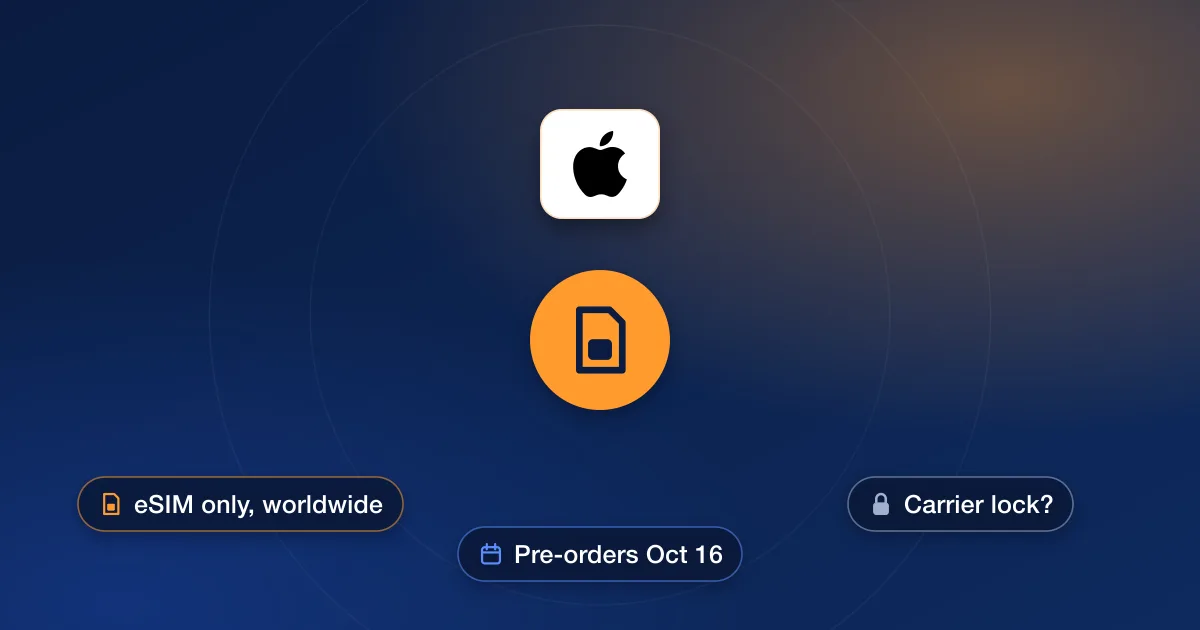
The iPhone Duo, Apple’s first foldable iPhone, is eSIM-only in every country, not just the US. Apple announced it on September 9, 2026; pre-orders open on Friday, October 16, and it arrives on October 23 in more than 70 countries, with more on October 30. Whether a Duo is carrier locked depends on how it was paid for, exactly as with the iPhone 18 Pro, and the lock works the same way: a locked Duo only accepts its own carrier’s eSIMs. Here’s how to check, and what changes when there is no SIM tray to test with.
The iPhone Duo in brief
- A 7.6-inch inner display and a 5.4-inch outer display.
- eSIM-only worldwide: Apple says the design saves internal space for a bigger battery.
- Apple says eSIM is supported by more than 500 carriers, including AT&T, T-Mobile and Verizon.
- Pre-orders October 16; available October 23, with more regions on October 30.
Will a Duo be locked?
Apple’s buying pages answer this for every current iPhone, and the rule carries over. Paid in full from Apple, or bought with Apple Card Monthly Installments, the phone is unlocked; Apple’s Duo announcement repeats that iPhones bought with Apple Card Monthly Installments are always unlocked. Financed at Apple through the AT&T Installment Plan, the T-Mobile Equipment Installment Plan or Verizon Device Payment, it is locked to that carrier until paid in full. Bought from a carrier, it follows that carrier’s unlock rules: AT&T wants the phone bought more than 60 days ago and paid off, T-Mobile wants 40 days of use and the phone paid off, and Verizon unlocks once the phone is paid off.
| How you buy it | Lock |
|---|---|
| Apple, paid in full | Unlocked |
| Apple, Apple Card Monthly Installments | Unlocked |
| Apple, carrier installment plan | Locked to that carrier until paid off |
| Carrier store or website | Locked until the carrier’s rules are met |
| Secondhand | Either — check before you pay |
Checking the lock without a SIM tray
With no tray, you can’t borrow a friend’s SIM to test. Two checks remain, and both are quick:
- 1Carrier Lock in SettingsSettings → General → About → Carrier Lock. “No SIM restrictions” means the Duo is unlocked. Anything else means it is tied to a carrier.
- 2An IMEI checkThe IMEI is under Settings → General → About. An Apple report on our IMEI check page shows the carrier and lock details on record, which is how to check a Duo you’re buying from someone else.
Switching carriers and travelling
Switching carriers on an unlocked Duo means adding the new carrier’s eSIM: Apple’s eSIM setup page covers activation by the carrier, by QR code, and by transfer from an older iPhone. On a locked Duo the new eSIM won’t activate until the lock is removed. The same goes for travel: Apple’s buying page says an unlocked iPhone can use a travel eSIM at your destination, while a locked one is limited to its own carrier’s roaming. Our guide to using your phone abroad with a local SIM covers the rest.
If your Duo is locked
Start with the carrier: once the phone qualifies, its unlock is free. Apple is clear that only the carrier a phone is locked to can unlock it. A Duo on a long payment plan won’t qualify for a long time, though, and a secondhand one is tied to someone else’s account. For those, find your carrier on our carriers page and pick Apple: each model we can unlock is listed with its live price and delivery estimate. If the Duo isn’t listed for your carrier yet, we don’t offer that unlock yet, and the order box at the top of the store is the quickest way to check again.