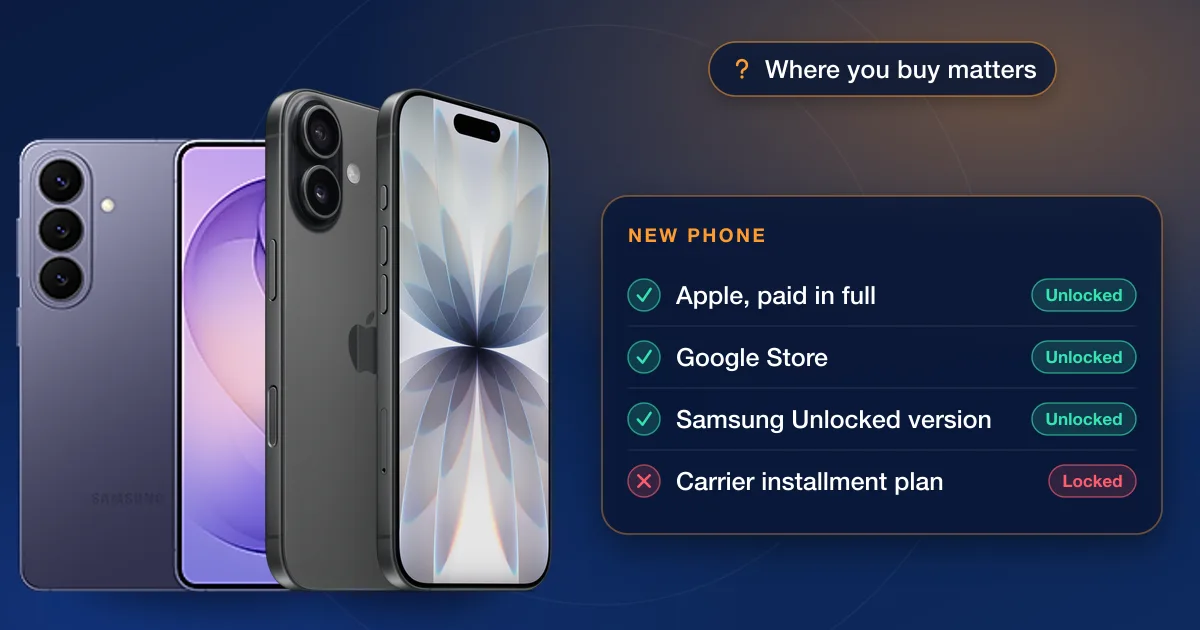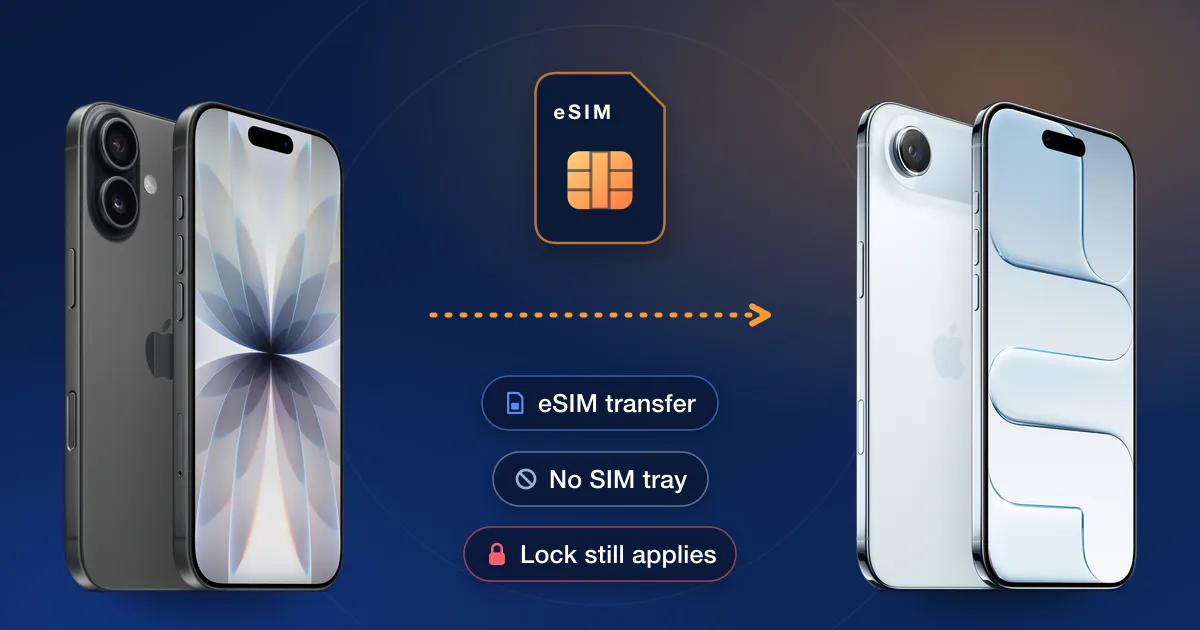
On an eSIM-only phone you switch carriers by downloading the new carrier’s eSIM instead of swapping a card, but the carrier lock works exactly as it always did: a locked phone only accepts eSIMs from the carrier it’s locked to. So check the lock first, then move your number with the new carrier’s eSIM setup or a phone-to-phone transfer.
Which phones are eSIM-only now
- iPhone: Apple says the iPhone 16, 17e, 17, Air, 18 Pro and Duo bought in the US or Puerto Rico have no SIM tray and activate only with eSIM. The iPhone Duo is eSIM-only in every country.
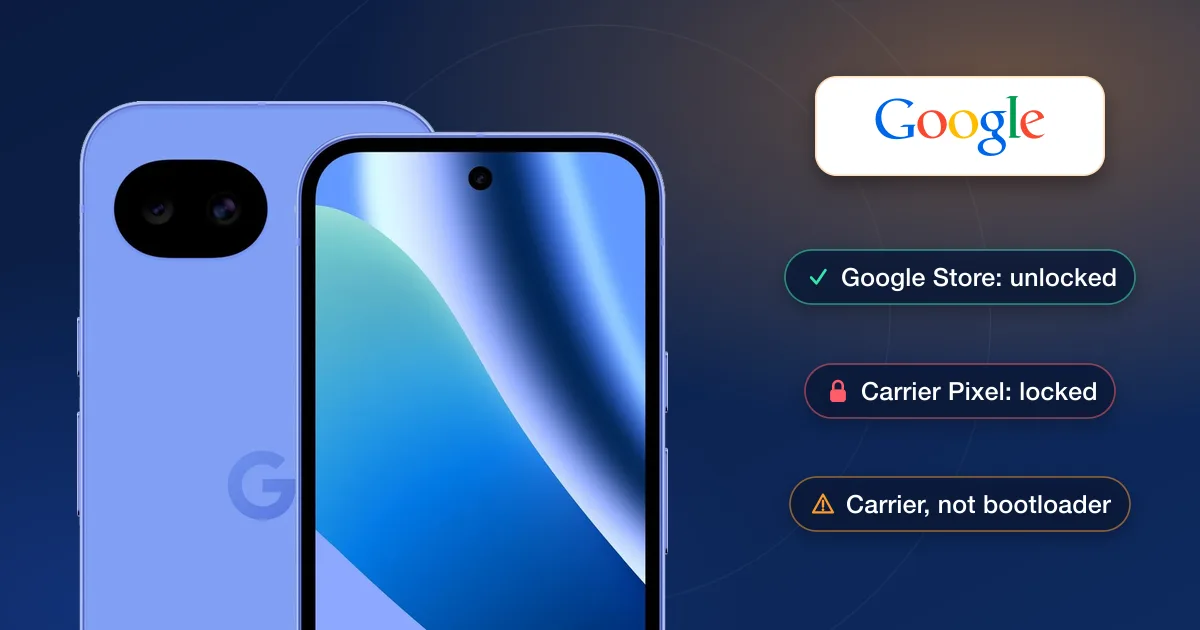
- Google Pixel: Google’s US spec pages list the Pixel 11 and Pixel 11 Pro with dual eSIM and no SIM card. The Pixel 10a still takes a nano-SIM as well as eSIM.
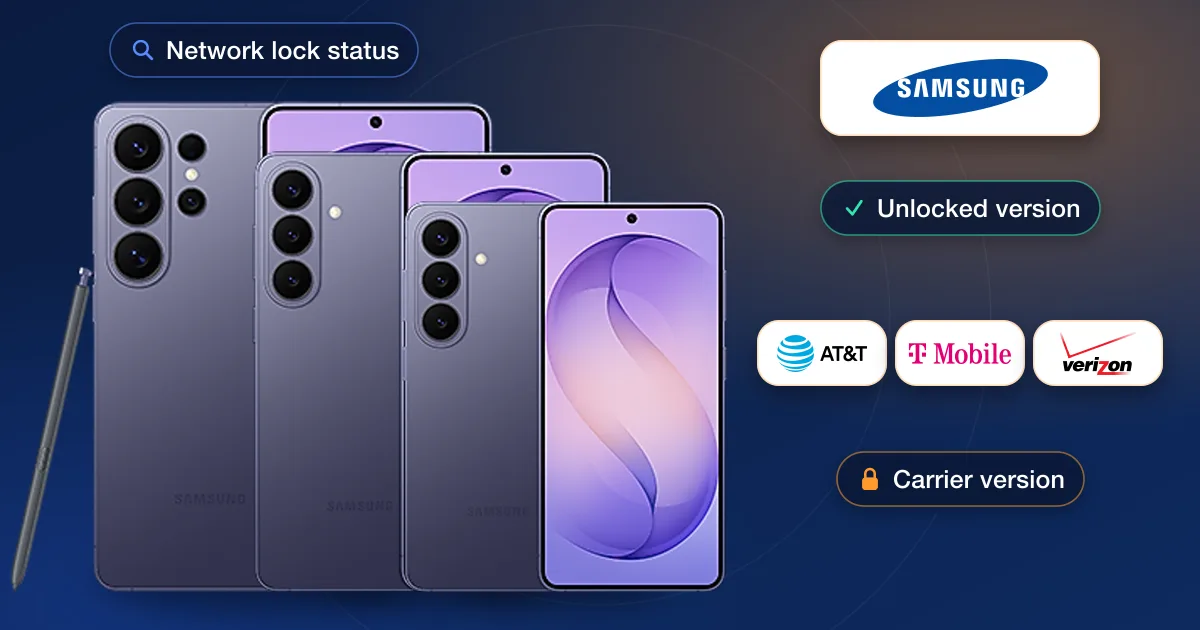
- Samsung Galaxy: Samsung’s US help pages describe Galaxy phones using an eSIM alongside a physical SIM card.
What a carrier lock blocks on an eSIM phone
With a SIM card you could test a lock by borrowing a friend’s card. On an eSIM-only phone that test is gone, but the lock still decides which carriers the phone will accept. A locked phone refuses to activate another carrier’s eSIM, and it can’t use a travel eSIM from a local provider abroad. Apple’s buying page puts it the other way round: if your iPhone is unlocked, you can use a travel eSIM at your destination.
AT&T’s unlock page makes the same point for prepaid phones: you can check one with a SIM card from another carrier, but on eSIM you request the unlock instead.
Check the lock before you switch
- 1iPhoneSettings → General → About → Carrier Lock. “No SIM restrictions” means you can add any compatible carrier’s eSIM.
- 2Samsung GalaxyOn recent models, Settings → Connections → More connection settings → Network lock status.
- 3Pixel and other phonesCheck the unlock status in the current carrier’s account, or ask the carrier.
- 4Bought it used?Run an IMEI check on our IMEI check page for the carrier on record before you set up a new line.
Moving your number to a new phone
- 1iPhone to iPhoneeSIM Quick Transfer moves your line without calling the carrier, if the carrier supports it. Apple says both iPhones need iOS 18.4 or later, the same Apple Account and Bluetooth on, with the old iPhone unlocked by its passcode. Start in Settings → Cellular → Set Up Cellular or Add eSIM.
- 2Android to iPhoneWith iOS 26 or later and Android 16 or later, some carriers support a direct transfer; Apple lists AT&T, Cricket, FirstNet, T-Mobile, Verizon and Xfinity Mobile in the US. Both phones need Wi-Fi and Bluetooth. Otherwise the carrier activates the eSIM or sends a QR code.
- 3Galaxy to GalaxySettings → Connections → SIM manager → Add eSIM → Transfer SIM from another phone, then enter the code shown on the new phone into the old one. Samsung lists AT&T, T-Mobile, Verizon and many smaller US carriers for this.
- 4To a new carrierThe new carrier activates its eSIM through its app, a QR code or carrier activation. This is the step where a locked phone fails.
Apple’s iOS 27 also adds iPhone Handoff, which lets you switch back and forth between two iPhones that share one number, with supported carriers.
If the phone is locked
Ask the carrier that locked it first; once the phone qualifies, the unlock is free. If you can’t wait, or the phone isn’t in your name, an IMEI unlock is the alternative: enter the IMEI and carrier in our order box to see the price and delivery estimate. For trips abroad, our guide to using your phone abroad with a local SIM covers local SIMs and travel eSIMs, and carrier-locked vs unlocked phones explains the lock itself.