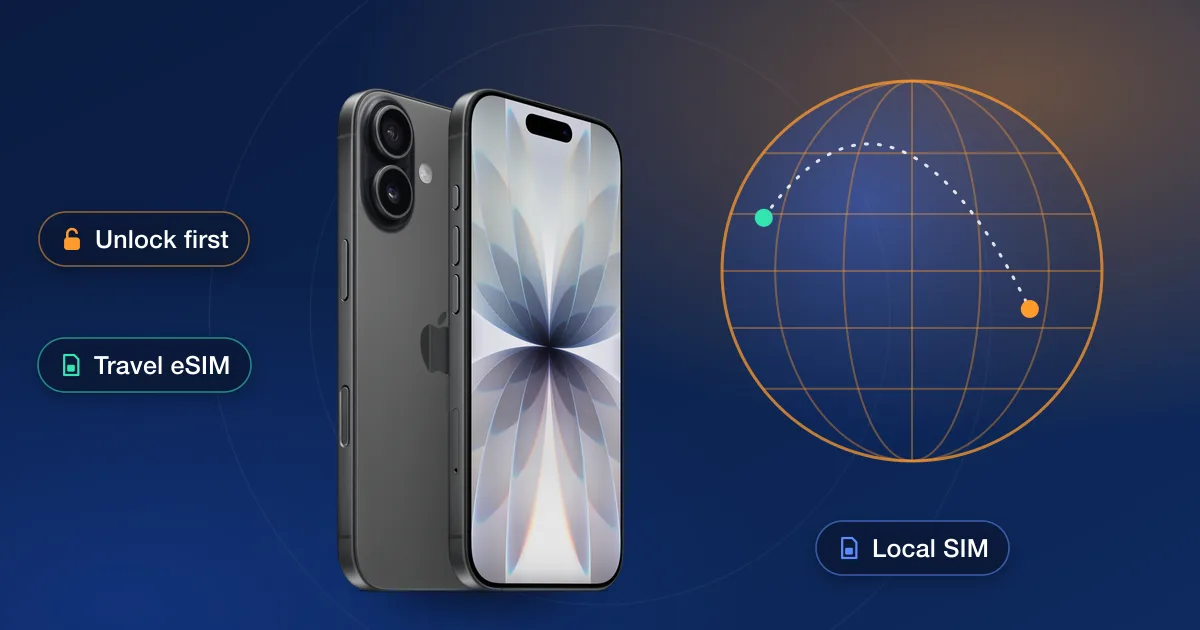
The cheapest way to use your phone abroad is a local SIM or a travel eSIM, and both need an unlocked phone. Apple says it plainly on its iPhone pages: a travel eSIM works at your destination if your iPhone is unlocked. A locked phone is limited to its own carrier’s roaming. The holidays are the busiest travel weeks of the year, so the time to check the lock is now, while there’s still time for either route to finish before you fly.
Step one: check the lock today
- 1iPhoneSettings → General → About → Carrier Lock. “No SIM restrictions” means you’re set. “SIM locked” means the phone is tied to its carrier.
- 2Samsung GalaxyRecent models: Settings → Connections → More connection settings → Network lock status. Older ones show the carrier under About phone → Software information.
- 3Any phoneDial *#06# for the IMEI and run our IMEI check. It reports the carrier and lock status on record, so you know before you book anything.
Step two: pick a route and start early
There are two ways to get a locked phone unlocked, and both take time.
- The carrier’s unlock is free once the phone qualifies. AT&T unlocks a phone bought more than 60 days ago and paid in full, T-Mobile wants 40 days of use and the phone paid off, and Verizon unlocks once the phone is paid off. Prepaid phones wait about a year on most networks. If you qualify, ask now; AT&T says a request is usually approved within minutes but can take up to 48 hours, and some phones need a restart or a reset to finish.
- An IMEI unlock is for phones that don’t qualify yet: a financed phone, a prepaid phone inside its first year, or a secondhand phone tied to someone else’s account. Each unlock we offer shows its own delivery estimate before you order, and those estimates are the number to plan around.
Step three: get the SIM or eSIM ready
With the phone unlocked, you have choices at the destination. A local SIM from a shop there is the traditional way, and our guide to using your phone abroad with a local SIM covers what to buy and how to set it up. A travel eSIM is the newer way: Apple’s eSIM setup page explains activation by QR code or through a carrier’s app, and you can add it before you leave and switch it on when you land. On an eSIM-only phone such as the iPhone 18 Pro in the US, eSIM is the only option, so the unlock matters even more.
What not to count on
- Roaming on a locked phone works, but it’s the carrier’s rate, and AT&T points customers whose phones can’t be unlocked in time to its International Day Pass instead.
- Nobody at the destination can unlock the phone for you. Apple says only the carrier a phone is locked to can unlock it, and that doesn’t change in another country.
- A Wi-Fi-only holiday is possible, but calls, maps and tickets on the move all want a data plan.
If the phone doesn’t qualify yet
Find your carrier on our carriers page and pick your phone’s brand: each unlock is listed with its live price and delivery estimate, and the notes say whether it takes a phone still owed on an account. Our guide to how long unlocking takes explains what the estimates mean so you can plan backwards from your flight.