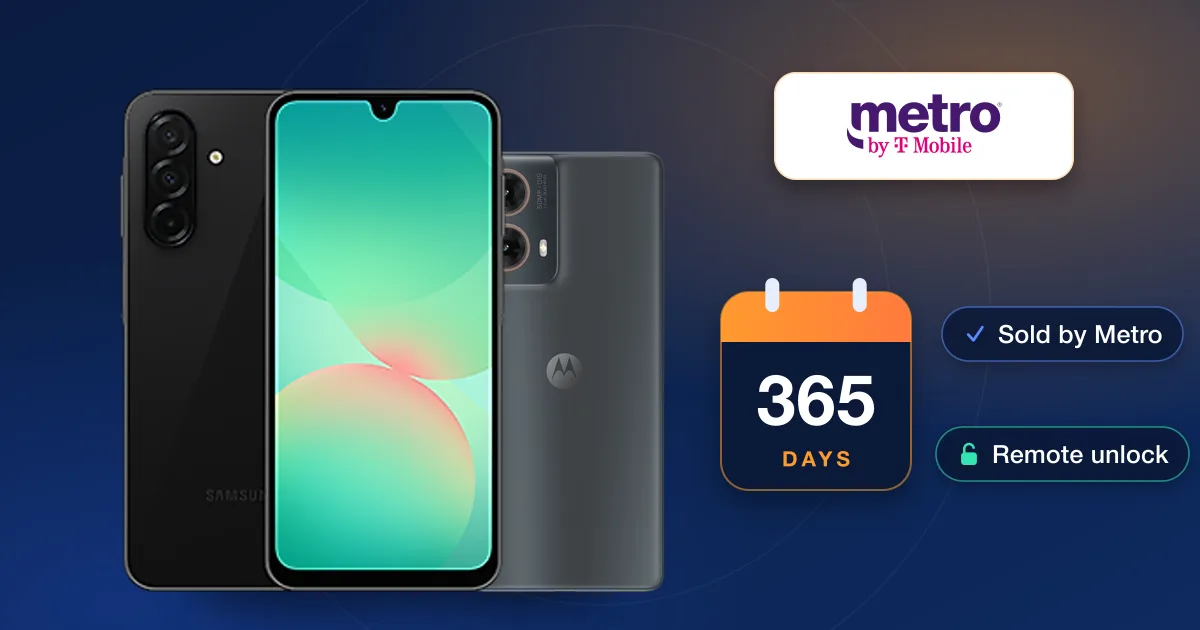
Metro by T-Mobile unlocks a phone for free once 365 days have passed since it was activated, as long as Metro sold it and it hasn’t been reported lost, stolen or blocked. The unlock is sent remotely, normally within two business days of the phone qualifying. Before then, the way to use the phone on another network is a paid IMEI unlock.
Metro’s unlock rule, in plain words
Metro’s unlock policy is short. To be unlocked for free, a phone must:
- have been bought from Metro by T-Mobile (a phone bought elsewhere is unlocked by whoever sold it);
- not be reported lost, stolen or blocked;
- have passed 365 days since its activation date.
There is also an exception for deployed military customers in good standing, who can ask for an unlock by providing their deployment papers.
How the unlock reaches your phone
You don’t file a request. Once a phone qualifies, Metro says it unlocks it remotely within two business days. Some phones can’t be unlocked that way; for those, Metro sends a notification to the phone within two business days explaining how to finish the unlock.
On Android phones that last step usually runs through a device unlock app. Metro’s troubleshooting notes say the app needs a working connection, sometimes specifically the mobile network rather than Wi-Fi, and that rooting the phone disables it. If the app says the phone isn’t eligible, it’s reading the same 365-day rule, so check the activation date first.
Check where your phone stands
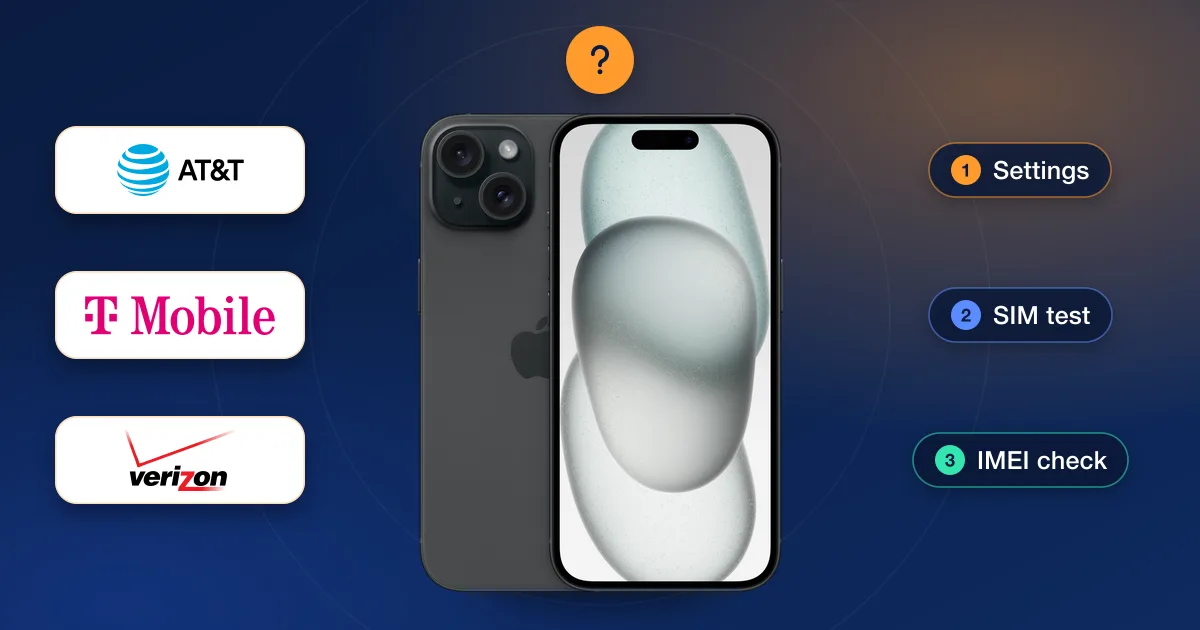
- 1Find the activation dateIt’s in your Metro account or on your first receipt. Count 365 days from there.
- 2Test the lockInsert a SIM from another network. A “SIM network unlock PIN” prompt on Android, or “SIM Not Supported” on an iPhone, means it is still locked.
- 3Check the IMEIDial *#06#. If you bought the phone used, run a check from our IMEI checks to confirm its carrier and that it hasn’t been reported.
Why a Metro phone can stay locked after a year
- It wasn’t bought from Metro. Phones from other stores or sellers follow that seller’s rules.
- The phone has a lost, stolen or blocked report against it.
- The 365 days are counted from activation, not from when you bought the phone or started using it.
- The unlock was sent but not finished. Phones that can’t be unlocked remotely need the steps in Metro’s notification.
If none of these apply and your phone is still locked, contact Metro before you pay for anything.
Options before the year is up
If you need the phone on another network sooner, because you’re switching now, travelling, or you bought the phone secondhand, an IMEI unlock is the alternative. You order it with the phone’s IMEI, and the phone doesn’t need to be sent anywhere.
Our Metro unlock page lists the Metro unlocks we offer by brand and model, each with its live price and delivery estimate. Metro runs on T-Mobile’s network, but pick Metro rather than T-Mobile when you order: the carrier that sold the phone is the one that counts. For Galaxy phones on any carrier, see our Samsung page and the Samsung Galaxy unlock guide.