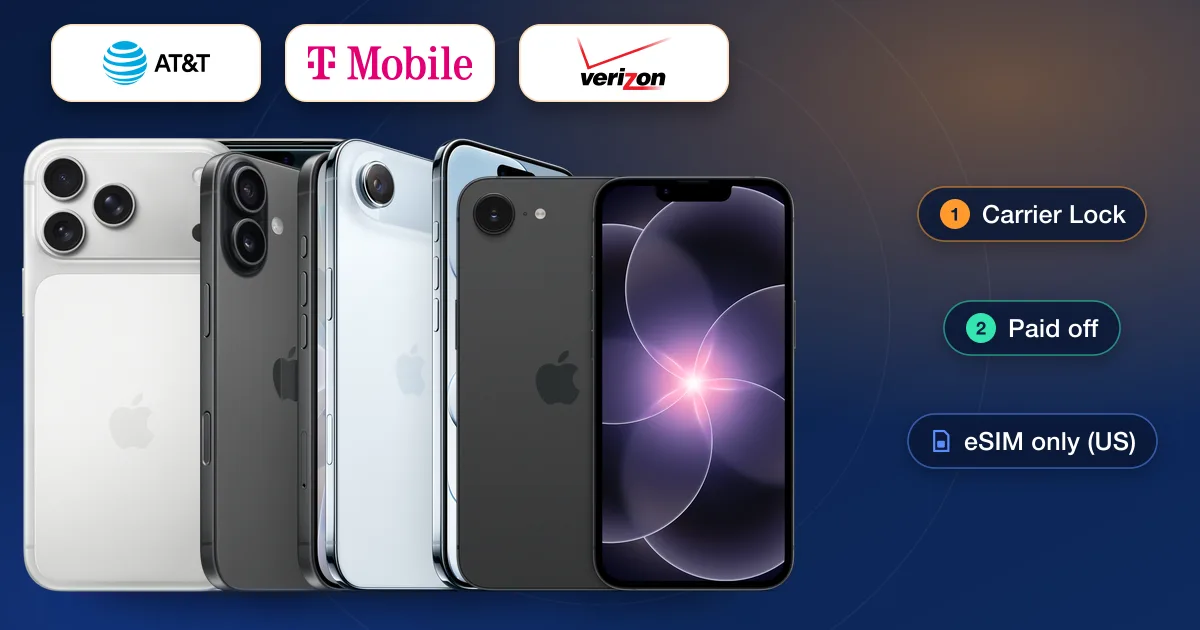
An iPhone 17, 17 Pro, 17 Pro Max, iPhone Air or iPhone 17e is unlocked by the carrier that sold it once it meets that carrier’s rules: paid off on Verizon, paid off and bought more than 60 days ago on AT&T, and paid off with 40 days of use on T-Mobile. Check Settings → General → About → Carrier Lock first. If it’s locked and the free route is closed, an IMEI unlock is the other way.
The iPhone 17 family
Apple released the iPhone 17, iPhone 17 Pro, iPhone 17 Pro Max and the thin iPhone Air in September 2025, and added the lower-priced iPhone 17e on March 11, 2026. Apple’s current lineup no longer lists the 17 Pro models, which the iPhone 18 Pro replaced in September 2026, but plenty are still in use and on resale.
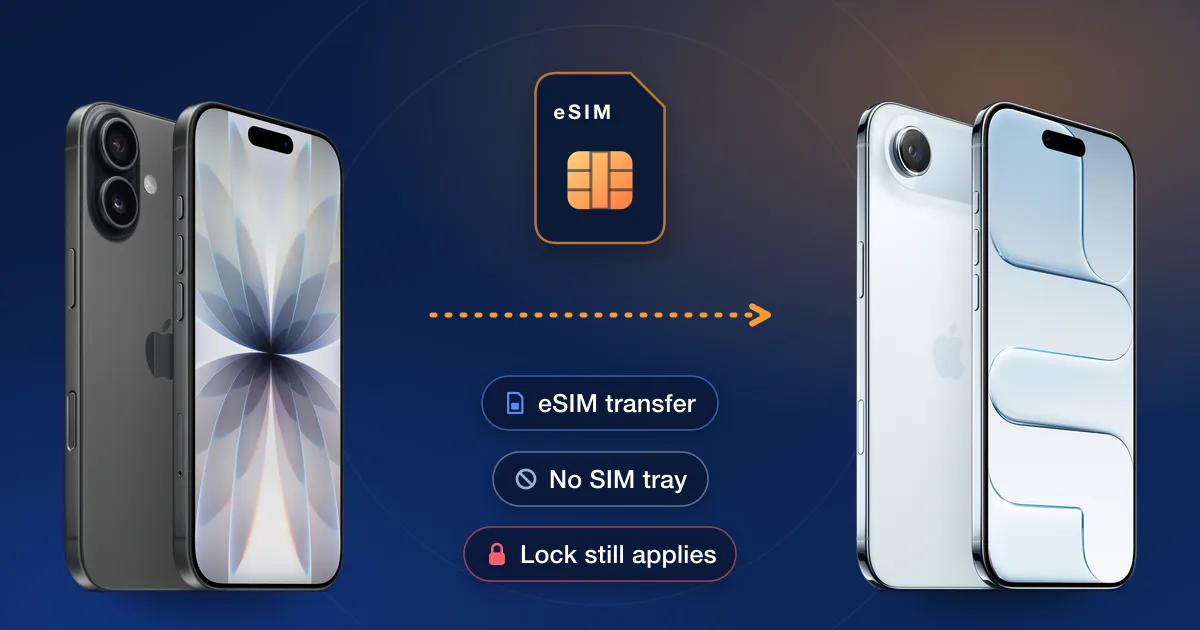
In the US every one of them is eSIM-only, with no SIM tray. So the familiar test of trying another carrier’s SIM card doesn’t work; you check the lock in settings, in the carrier account or with an IMEI check instead.
Check the lock first
- 1Carrier LockSettings → General → About → Carrier Lock. “No SIM restrictions” means the iPhone is unlocked; anything else means it is locked.
- 2The carrier accountIf it came from a carrier, the online account usually shows whether the unlock has been sent. AT&T, for example, shows “Device unlocked” in the device details.
- 3IMEI checkFor a used iPhone, an Apple report on our IMEI check page shows the carrier and lock details on record.
Each carrier’s rules for an iPhone 17
| Carrier | Postpaid | Prepaid |
|---|---|---|
| Verizon | Automatically once bought at full price or paid off; 35 days later if a Verizon gift card was used | Automatically after 365 days of paid, active service |
| AT&T | Bought more than 60 days ago, paid in full, bill not past due; eligible iPhones should unlock by themselves | 12 months of paid service, then a request |
| T-Mobile | 40 days active on the line and paid in full; unlocked remotely within two business days | 365 days, or more than $100 in refills in that time |
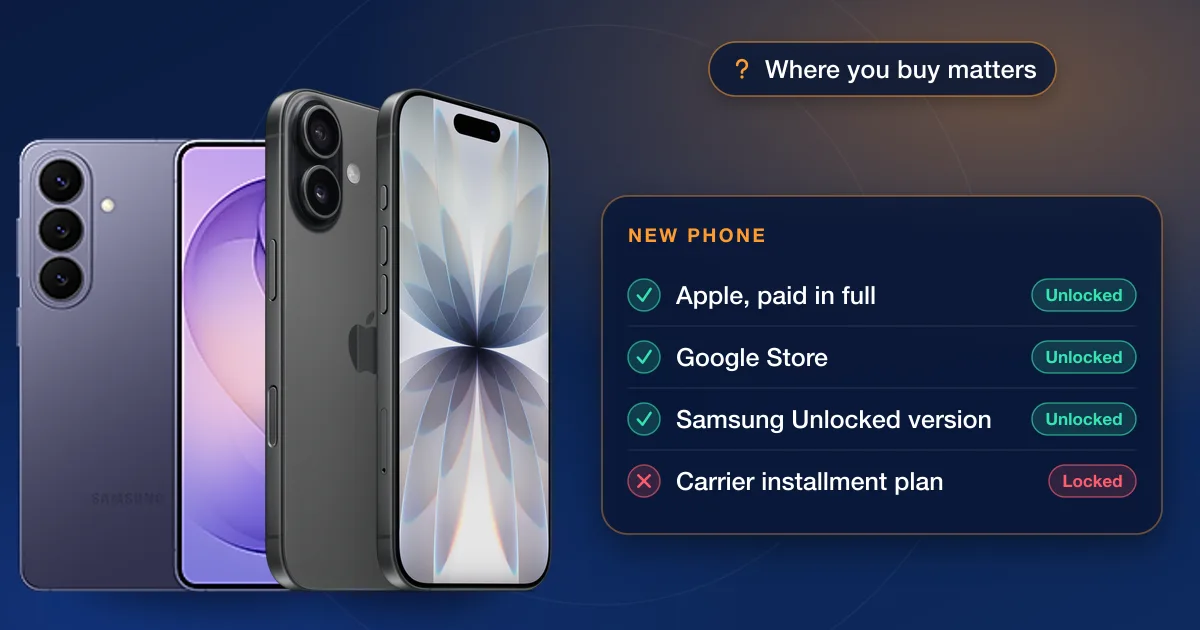
Bought your iPhone 17 from Apple? Apple says the iPhones it sells are unlocked, including those paid with Apple Card Monthly Installments, unless you financed through AT&T, T-Mobile or Verizon’s installment plan at checkout; those stay locked to that carrier until paid off. For a full walk-through of the three big carriers, see unlocking an iPhone on AT&T, T-Mobile or Verizon.
After the carrier unlocks it
Apple says only the carrier can unlock an iPhone. Once the carrier confirms it has, an eSIM iPhone is finished by setting up the new carrier’s eSIM. If Carrier Lock still doesn’t say “No SIM restrictions” after that, Apple’s advice is to go back to the carrier.
When the free route is closed
The common cases: the iPhone is on a multi-year payment plan you can’t pay off yet, a prepaid iPhone is months short of its year, or you bought it secondhand and can’t reach the original account. An IMEI unlock is ordered with the IMEI alone, and nothing is installed on the phone. Open the carrier it came from, our AT&T, T-Mobile or Verizon page, then pick Apple and your model to see the live price and delivery estimate. If your model isn’t listed for that carrier yet, we don’t offer that unlock yet.