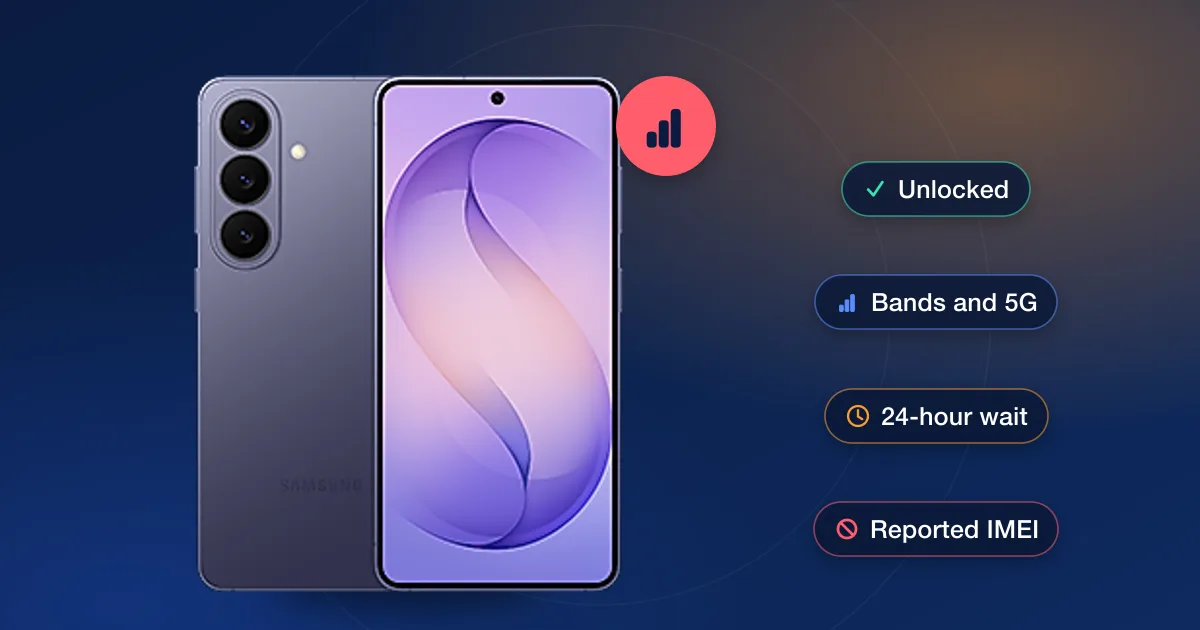
An unlock removes the carrier’s block on other networks; it doesn’t make the phone compatible with them. The carriers say the same thing from their side: AT&T asks for a phone that is unlocked and GSM-compatible, T-Mobile for one that is unlocked and supports its frequencies, and Verizon for one that is unlocked with hardware and software compatible with its network. When an unlocked phone shows no service on a new SIM, it is almost always one of six things, and each has a quick check.
The six usual causes
| Cause | How to tell | What to do |
|---|---|---|
| The unlock hasn’t taken effect | The carrier says it’s unlocked, but the phone still rejects the SIM | Restart with the new SIM in. AT&T notes an iPhone 13 or earlier may need a reset to finish; check the lock in Settings afterwards |
| The 24-hour wait | Verizon in particular | Verizon says that after another carrier unlocks a phone, it can take up to 24 hours before the phone can be activated on Verizon |
| The phone doesn’t support the network | Calls fail, no 5G, or no service at all on a phone that is unlocked | Run the new carrier’s IMEI compatibility check (AT&T, T-Mobile and Verizon all have one). AT&T says CDMA phones won’t work on its network |
| An old eSIM profile | eSIM-only phone, new line won’t activate | Add the new carrier’s eSIM by QR code or its app, and remove the old carrier’s profile only once the new one works |
| Data settings | Calls work, mobile data doesn’t | Reset network settings so the phone fetches the new carrier’s data (APN) settings, or enter the ones the carrier publishes |
| A reported IMEI | Every carrier refuses it | An IMEI reported lost, stolen or unpaid is blocked everywhere; no unlock changes that |
Start with the carrier’s compatibility check
All three big carriers check a phone by IMEI before you bring it over. Dial *#06# to read the IMEI, then use the new carrier’s check: AT&T says in most cases a GSM-compatible phone works fine on its network and keeps a list of tested phones; T-Mobile’s page says the phone must be unlocked and support the frequencies T-Mobile uses, and that T-Mobile can’t unlock a phone sold by another carrier; Verizon wants the device ID and says the phone’s hardware and software both have to be compatible. If the check says the phone isn’t supported, no unlock will change that, and it’s better to know before you pay for one.
Give the unlock time, then restart
A carrier’s unlock is applied to its records first and reaches the phone afterwards. Keep the new SIM or eSIM in place, restart, and let the phone sit online for a while. Verizon’s 24-hour note is the longest the carriers publish. If the phone still says the SIM isn’t supported after that, check Carrier Lock in Settings on an iPhone, or the network lock status on a recent Galaxy, before assuming the unlock failed. Our guide to how long unlocking takes covers each carrier’s timing.
eSIM-only phones
With no SIM tray there is nothing to swap, so the new line arrives as an eSIM. Apple’s eSIM page covers the ways to add one: the carrier activates it, you scan a QR code, or you transfer it from another phone. Verizon says it accepts eSIM and dual-SIM phones from other carriers as long as they’re unlocked and compatible. Keep the old profile until the new one shows service; then remove it.
When it really is the lock
If the carrier that sold the phone won’t unlock it yet, or you bought it secondhand, our carriers page lists the unlocks we offer by carrier and brand with live prices and delivery estimates. Before ordering, run the new carrier’s compatibility check first: an unlock is only useful on a phone the new network supports. Our guide to carrier-locked vs unlocked phones explains the difference.