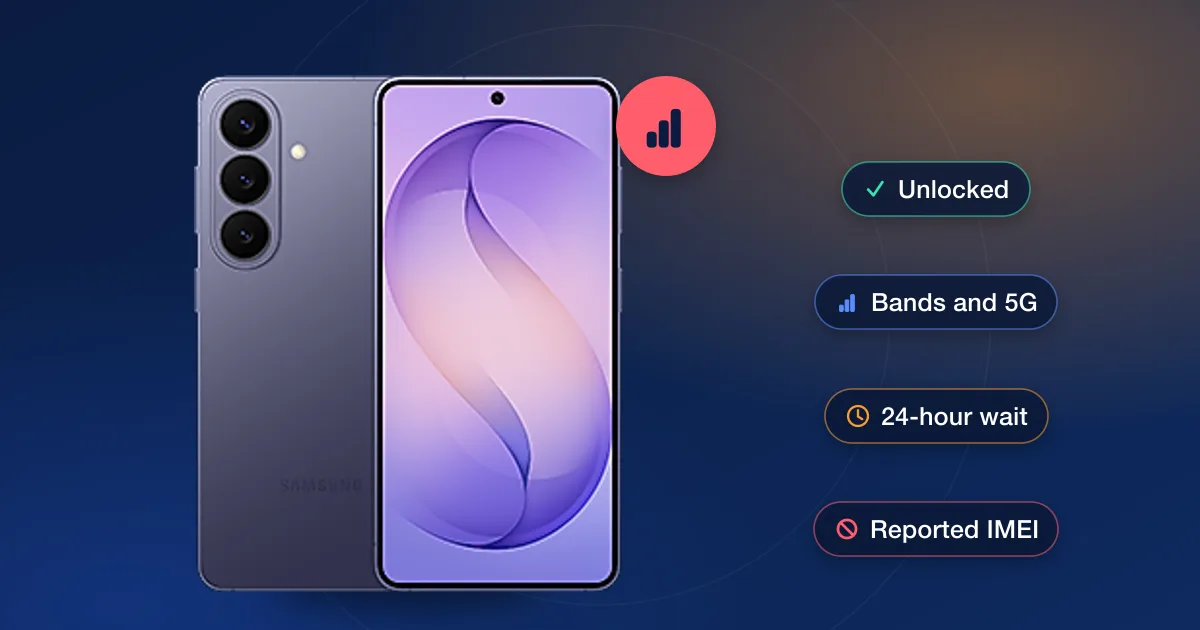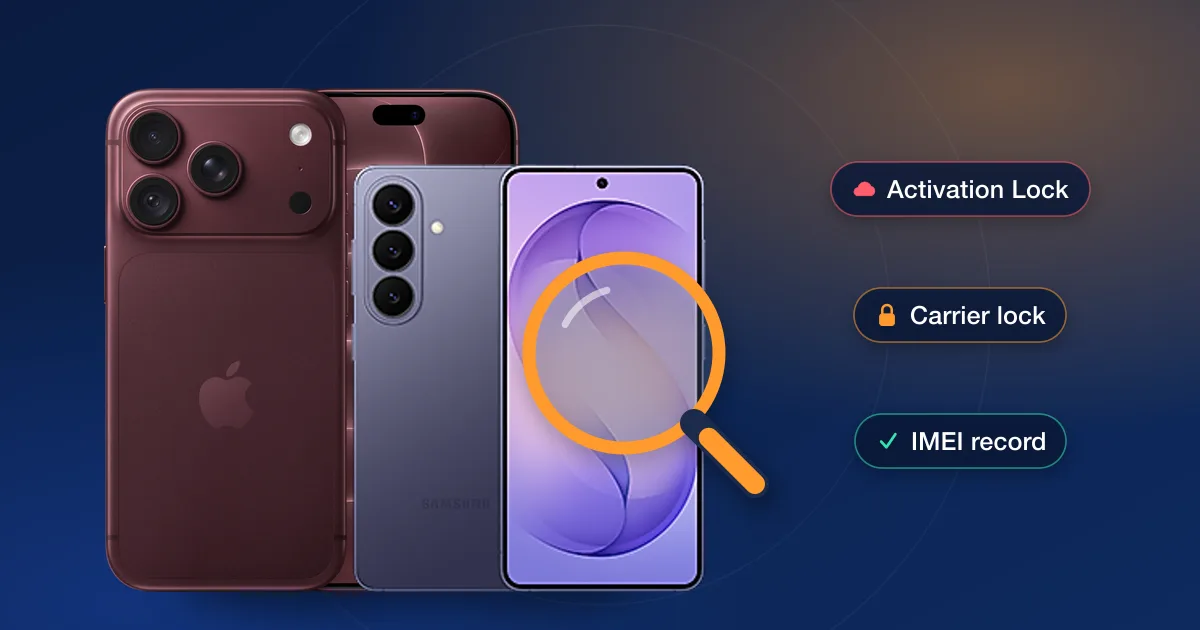
A used iPhone 18 Pro or Galaxy S26 can be a great buy or an expensive brick, and the difference shows up in three checks that take five minutes: Activation Lock or its Android equivalent, the carrier lock, and the phone’s IMEI record. Only the first is a deal-breaker. A carrier lock can be removed, and a clean record is what makes that possible. Here is how to run all three, in the order that saves you the most time.
Check one: the owner lock (walk away if it fails)
Apple’s Activation Lock ties an iPhone to the previous owner’s Apple Account. Apple’s support page says a locked device shows an “iPhone Locked to Owner” screen when it starts, and that you should not take ownership of a used iPhone protected by Activation Lock; if setup asks for the previous owner’s Apple Account details, the phone is still linked to that account. Only the owner can remove it, by signing out of Find My or removing the device from their account. Android phones have their own version, Factory Reset Protection, tied to the owner’s Google or Samsung account, and the same rule applies: if the phone asks for an account that isn’t yours, don’t pay.
- 1Ask the seller to erase it in front of youA phone that comes back to the Hello screen without asking for someone else’s account is clear. One that asks for the previous owner’s account is not.
- 2If you can’t meetAsk the seller to sign out of Find My (or remove the phone from their Google or Samsung account) before shipping, and don’t pay until the phone starts cleanly.
Check two: the carrier lock (fixable)
On an iPhone 18 Pro, Settings → General → About → Carrier Lock says it: “No SIM restrictions” means unlocked. US models are eSIM-only, so there is no SIM to test with, which makes this screen and the IMEI check the two ways to know. On a Galaxy S26, Settings → Connections → More connection settings → Network lock status shows the same thing. Samsung sells the S26 series both unlocked and in carrier versions, so a used one can be either.
A locked phone isn’t a bad phone; it’s a phone with a job to do before it joins another network. The carrier that sold it unlocks it once its rules are met, which on a phone that is still being paid off, or that belongs to someone else’s account, may be a long way off. The other route is an IMEI unlock: our carriers page lists the unlocks we offer by carrier and brand, each with its live price and delivery estimate. Our guide to how carrier unlocking works explains the process.
Check three: the IMEI record (the one that decides the price)
The IMEI is under Settings → General → About on an iPhone, under About phone on a Galaxy, or by dialling *#06# on either. Run it through our IMEI check: the report shows the carrier the phone is on record with, its lock status, and whether it has been reported lost, stolen or unpaid. A reported IMEI is refused by every carrier and no unlock clears it, so that report is the one that should change the price, or end the deal. Our guide to checking a used phone’s IMEI before you buy goes through the report line by line.
What each result means for the price
| Result | What it means |
|---|---|
| Owner lock on | Don’t buy. Only the previous owner can remove it |
| Carrier locked, clean record | Fine to buy if the price reflects the unlock you’ll need; check our unlock for that carrier and model first |
| Unlocked, clean record | The phone to pay full secondhand price for |
| Reported IMEI | Refused by every carrier; no unlock fixes it |
Model notes
- iPhone 18 Pro and 18 Pro Max: announced September 9, 2026, eSIM-only in the US. Check Carrier Lock in Settings, since there is no SIM tray to test with.
- Galaxy S26, S26+ and S26 Ultra: on sale since March 11, 2026, sold unlocked and in carrier versions. The network lock status screen tells you which one you’re holding.