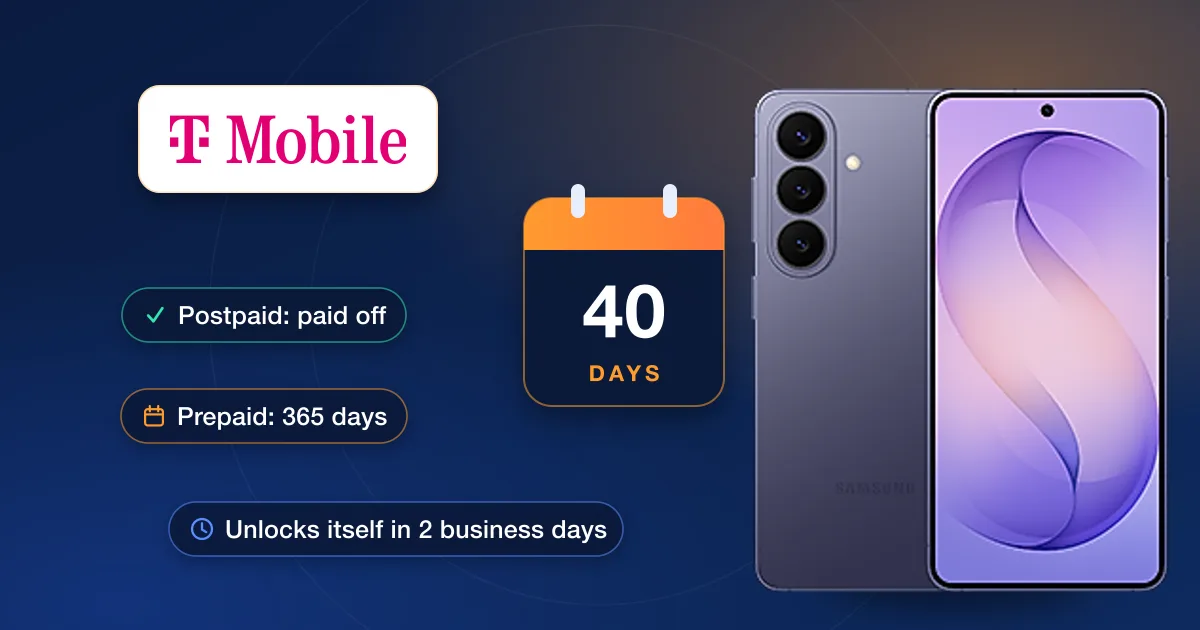
T-Mobile unlocks a phone it sold free of charge once it is eligible, and for most phones it does so by itself: within two business days of a phone becoming eligible, T-Mobile unlocks it remotely. A phone that can’t be unlocked remotely gets a notification with the steps to finish instead. The rules differ for postpaid and prepaid lines, and the status is shown in your T-Mobile account.
T-Mobile’s unlock rules in 2026
| Line | What T-Mobile requires |
|---|---|
| Every phone | Sold by T-Mobile (or T-Mobile authorized); not reported lost, stolen or blocked; the account in good standing |
| Postpaid | Active on the T-Mobile network for at least 40 days on the line asking; a financed or leased phone paid in full; a cancelled account with a zero balance |
| Prepaid | At least 365 days since the phone was activated — or, sooner, more than $100 of refills on each active line and more than 14 days since the purchase; no more than two unlocks per line in the last 12 months |
| Deployed military | Customers in good standing can have the phone unlocked on showing overseas orders — contact T-Mobile |
| Not sold by T-Mobile | T-Mobile can’t unlock it; the carrier or maker that sold it is the one to ask |
Where you stand: check the status
- 1On the webSign in to your T-Mobile account, open Accounts, pick the line and choose “Check device unlock status”. The eligibility shows under the phone’s picture.
- 2In the T-Life appManage → the line (tap “Manage all” first if you don’t see it) → the “Device lock status” field. Progress toward eligibility is shown under the phone.
- 3On an iPhoneSettings → General → About → Carrier Lock. “No SIM restrictions” means it is unlocked already.
Finish the unlock on your phone
The phone has to be on the T-Mobile network or Wi-Fi while it unlocks. T-Mobile’s support page gives these routes:
- iPhone: there is no unlock app. If it is locked and eligible, contact T-Mobile so they can submit the unlock.
- Samsung Galaxy: Settings → Connections → More connection settings → Network unlock → Permanent unlock, then restart.
- Google Pixel: with a T-Mobile SIM or eSIM in the phone, install “T-Mobile Device Unlock (Pixel)” from the Play Store, check eligibility, choose Permanent unlock and restart.
- Motorola: Settings → About phone → Device unlock → Permanent unlock, then restart.
- LG: Settings → Network & internet → Mobile networks → Network unlock → Continue → Permanent unlock, then restart.
- OnePlus: Settings → Wi-Fi & internet → SIM & network → Advanced or Network unlock → Permanent unlock, then restart.
- Older Android phones with the preinstalled Device Unlock app: open it, continue, wait for it to reach the server, choose Permanent unlock and restart.
Came from UScellular?
T-Mobile’s policy page still points former UScellular customers to UScellular’s own unlock policy, but that address now lands on T-Mobile’s general legal page and no separate rule is published. Our UScellular guide, coming up in this series, has what is known and the steps that do work.
When an IMEI unlock makes more sense
A prepaid phone months short of 365 days, a financed phone you can’t pay off yet, or a phone bought secondhand that is still tied to someone else’s account: our T-Mobile unlock page lists the T-Mobile unlocks we offer, each with its live price and delivery estimate. Check the lock first with what carrier is my phone locked to.